Xero to QuickBooks Conversion
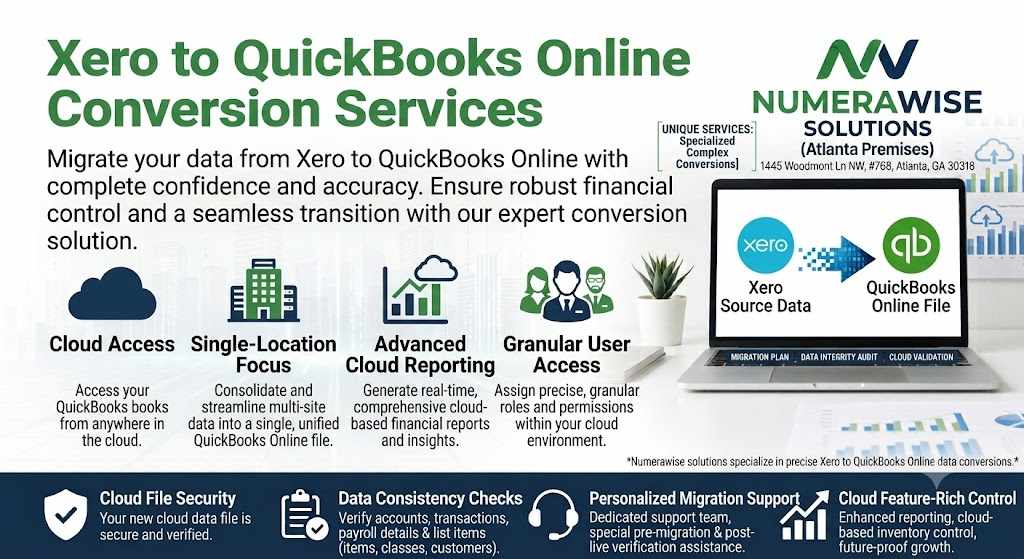
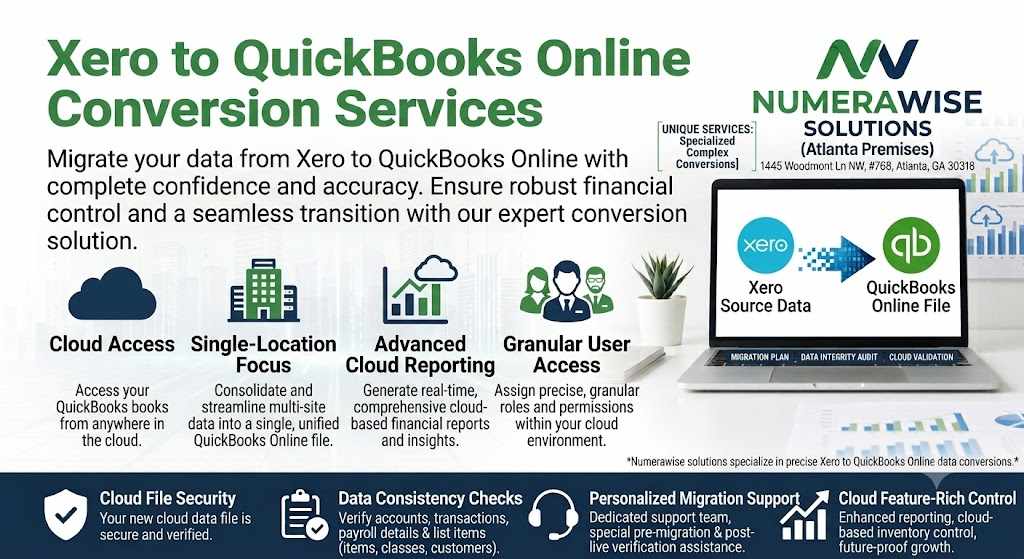
Accounting software that is dependable, effective, and able to sustain long-term growth is necessary for managing firm finances. Even though Xero is a well-known cloud-based accounting platform, many companies ultimately choose to move to QuickBooks due to its robust reporting capabilities, adaptable features, extensive third-party connections, and user-friendliness. A skilled Xero to QuickBooks conversion guarantees the precise transfer of all crucial financial data, enabling businesses to carry on as usual.Knowing the Xero to QuickBooks Conversion process will help you make an informed and confident choice, regardless of whether you are an accountant, small business owner, or expanding organization searching for a more scalable accounting solution.What Is Conversion from Xero to QuickBooks?The process of transferring accounting and financial data from Xero to QuickBooks Online or QuickBooks Desktop is known as Xero to QuickBooks Conversion. Important business data, including the chart of accounts, customer records, vendor details, invoices, bills, bank transactions, payroll information, inventories, tax records, and historical financial data, are all transferred as part of the migration.Maintaining financial integrity while allowing companies to utilize QuickBooks' extensive accounting functionality is the goal of a successful Xero to QuickBooks conversion. After the migration, correct reports, balances, and transactions can be guaranteed with careful preparation and validation.Why Companies Opt for Xero to QuickBooks ConversionEvery company has different accounting needs. Many businesses opt for QuickBooks due to its better flexibility, robust reporting features, and broad connection with third-party business apps, even though Xero offers a contemporary cloud-based accounting experience.Accountants and other financial professionals also frequently use QuickBooks, which facilitates teamwork in bookkeeping, financial planning, and tax preparation. As businesses expand, QuickBooks frequently proves to be more flexible, particularly when handling higher transaction volumes or more intricate financial procedures.The ability to automate accounting processes, streamline everyday bookkeeping tasks, and customize reporting is another factor in the decision to convert Xero to QuickBooks.