
Switching accounting platforms is never a decision business owners make lightly. If you're currently running Xero and considering a move to QuickBooks, you're probably weighing a mix of practical concerns: better integrations, easier CPA collaboration, stronger reporting tools, or simply a platform your bookkeeping team is more comfortable with. Whatever the reason, a Xero to QuickBooks conversion is a manageable project — as long as it's approached with the right process.
Why Businesses Move from Xero to QuickBooks
Xero is a capable platform, and plenty of businesses run it successfully for years. But there are common reasons owners eventually consider QuickBooks instead:
Wider accountant and bookkeeper familiarity. QuickBooks has a larger installed base among U.S.-based accounting professionals, which can make it easier to find support, hire staff, or work with a CPA who already knows the platform inside out.
Deeper third-party integrations. From payroll providers to industry-specific tools (construction, e-commerce, nonprofits), QuickBooks often has a broader ecosystem of app integrations built specifically for U.S. tax and compliance needs.
Reporting flexibility. Some finance teams find QuickBooks' class tracking, job costing, and custom report builder better suited to multi-location or project-based businesses.
Consolidation after acquisition or merger. If a company acquires or merges with a business already running QuickBooks, standardizing onto one platform is often simpler than maintaining two.
None of these reasons make Xero inferior — they just reflect the reality that different businesses have different needs, and sometimes those needs shift over time.
What Actually Happens During a Conversion
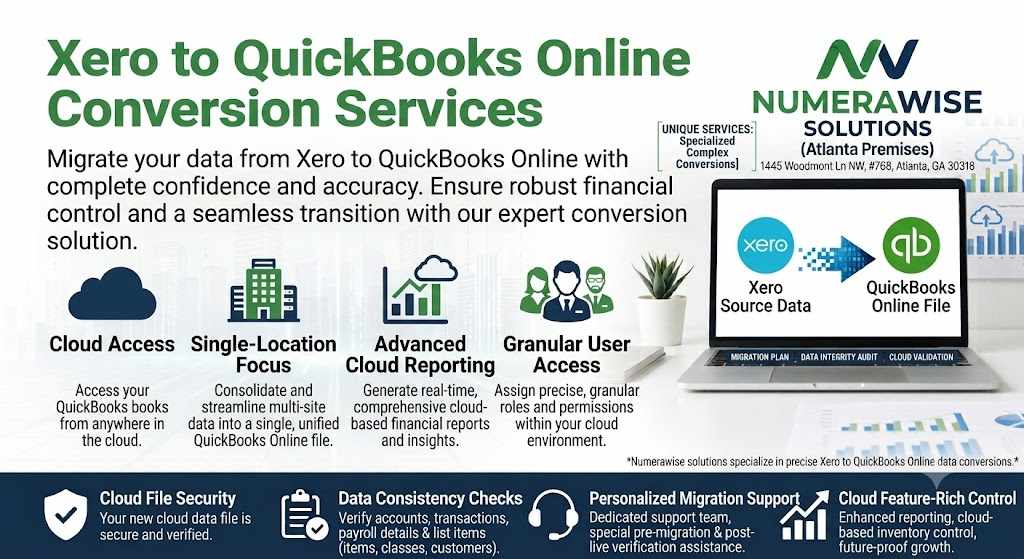
A proper Xero to QuickBooks conversion isn't a simple export-and-import job, even though some tools market it that way. Here's what's genuinely involved:
1. Data mapping. Xero and QuickBooks structure their charts of accounts, tax codes, and item lists differently. A good conversion maps each Xero data element to its correct QuickBooks equivalent — not just a blind field-to-field transfer.
2. Historical transaction migration. Depending on how far back you need history, this can include invoices, bills, payments, journal entries, bank transactions, and reconciliations. The deeper the history, the more care this step requires.
3. Opening balance verification. Every account balance in the new QuickBooks file needs to match your Xero trial balance at the cutover date. This is the single most important checkpoint in the entire process it's the difference between a conversion that "looks fine" and one that's actually correct.
4. Bank feed and app reconnection. Bank feeds, payment processors, and any connected apps (payroll, inventory, e-commerce platforms) need to be reconnected and tested in the new environment.
5. Parallel run or spot-check period. Many conversions include a short window where both systems are checked side by side, or select transactions are audited, to confirm nothing was missed before Xero access is retired.
Common Pitfalls to Avoid
Business owners who've been through a rushed or DIY conversion tend to run into a few recurring problems:
Losing historical detail. Some conversion tools only bring over summary balances, not underlying transaction detail — which becomes a real problem the first time you need to look up an old invoice or vendor payment.
Tax code mismatches. Sales tax and VAT/GST configurations rarely map one-to-one between platforms. Getting this wrong can cause filing errors down the line.
Skipping reconciliation. Without a documented tie-out to the original trial balance, there's no real proof the conversion is accurate — just an assumption.
No support after go-live. The first month-end close after a conversion is often where small issues surface. A provider who disappears right after conversion leaves you troubleshooting alone.
What to Look for in a Conversion Provider
If you're not handling this in-house, a few questions are worth asking any provider before you commit:
Do they provide a fixed quote after reviewing your actual file, rather than an open-ended hourly estimate?
Will they document a reconciliation showing your new QuickBooks balances match your old Xero trial balance?
Do they work from a copy of your data, not your live file, during the conversion itself?
Is there a support window after go-live to catch any issues during your first close?
A provider who can answer "yes" to all four is signaling they've done this enough times to know exactly where things typically go wrong — and how to prevent it.
Final Thoughts
A Xero to QuickBooks conversion is a well-established process, not an experimental one. The businesses that come out of it cleanly are almost always the ones that treated it as a controlled data migration — with proper mapping, documented reconciliation, and a plan for what happens after cutover — rather than a quick software swap. Taking the time to vet the process (and the provider) upfront tends to save far more time than it costs.


Write a comment ...