
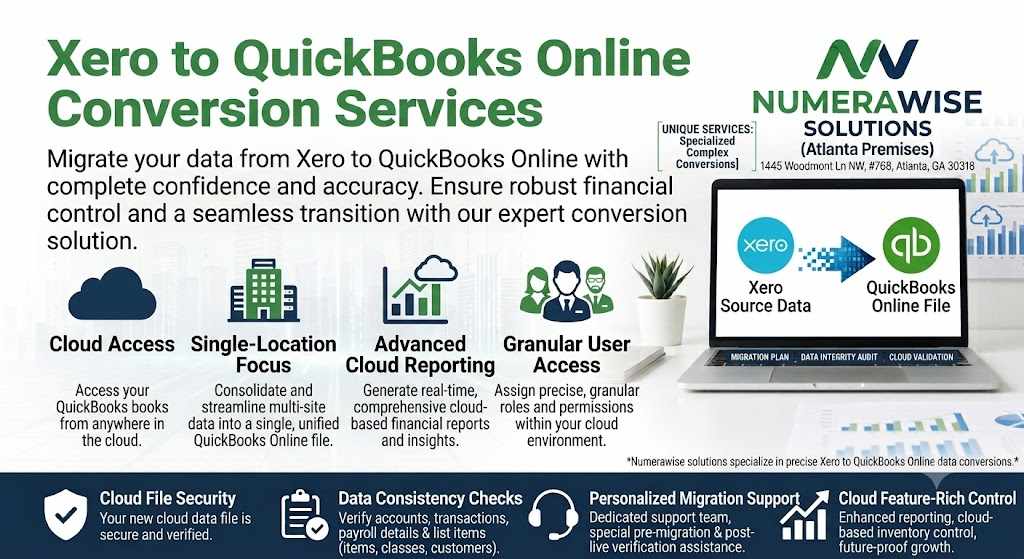
Xero to QuickBooks Conversion
Most of the advice out there about a Xero to QuickBooks conversion focuses on what happens during the process — the mapping, the reconciliation, the technical steps. Less gets said about what you should be doing beforehand, on your end, to make the whole thing go smoothly. Yet a lot of the friction and errors that show up in conversions can be traced back to a business jumping straight in without any internal preparation first.
If you're planning this move, here's a practical, checklist-style guide to getting your business ready — the kind of groundwork that makes the technical part of the conversion faster, cleaner, and far less likely to surface surprises later.
1. Clean Up Your Xero File Before You Convert, Not After
It's tempting to think of a conversion as an opportunity to fix messy books — and to some extent, it can be. But converting genuinely messy data usually just moves the mess into a new system rather than solving it
. Before you start, take time to: Close out any duplicate customer or vendor entries you know about. Resolve any long-outstanding invoices that are actually paid but haven't been marked as such. Review your chart of accounts for categories that no longer make sense or haven't been used in years. A clean starting point in Xero makes for a far more accurate landing point in QuickBooks.
2. Decide How Much History You Actually Need Not every business needs a decade of transaction history following them into a new system. Some genuinely benefit from full historical continuity for trend reporting; others are better served bringing over the current fiscal year and archiving the rest. Think through: Do you regularly run multi-year comparison reports? Are you legally required to retain a certain number of years of accessible financial detail? Would keeping older data in read-only Xero access satisfy your needs just as well as migrating it? Answering this upfront prevents scope creep during the actual conversion and can meaningfully affect both cost and timeline.
3. Take Inventory of Your Integrations If your business connects Xero to other tools — payroll providers, point-of-sale systems, e-commerce platforms, expense management apps — map out every one of these connections before you begin. A Xero to QuickBooks conversion moves your accounting data, but it doesn't automatically carry over third-party integrations, which typically need to be reconnected and reconfigured on the QuickBooks side afterward. Making a list now saves you from discovering, weeks later, that a connected app quietly stopped syncing because nobody remembered it existed.
4. Identify Every User Who Needs Access QuickBooks and Xero handle user permissions differently, so this is a good moment to reassess who actually needs access to your books, and at what level. Rather than replicating your exact Xero user list, use the conversion as an opportunity to tighten permissions — removing anyone who no longer needs access and setting appropriate view/edit rights for the people who do.
5. Flag Anything Unusual in Your Books Every business has a few accounting quirks — a one-off transaction that was categorized strangely, a loan structured in a nonstandard way, an inventory item that's tracked differently than the rest. These details are easy to overlook because you're used to them, but they're exactly the kind of thing that can get flattened or misrepresented in an automated conversion process.
Before handing off your data, make a short list of anything you know is a little unusual about how your books are set up. Sharing this upfront helps whoever handles your conversion pay closer attention to the parts that actually need it. 6. Choose Your Conversion Date Carefully Timing matters more than people expect. Converting mid-month or mid-quarter can create awkward reporting periods that are harder to reconcile cleanly. Where possible, aim for a conversion date that lines up with the start of a new month, quarter, or fiscal year — it simplifies both the technical process and your own reporting going forward. Also consider your broader calendar. Attempting a conversion during your busiest sales season or right before a major filing deadline adds unnecessary pressure to a process that benefits from careful, unhurried review.
7. Set Expectations for Reconciliation Review Once your conversion provider hands back a reconciled file, plan to actually review it — not just skim it. Set aside time to compare a handful of key reports (profit and loss, balance sheet, accounts receivable aging) between your old Xero data and your new QuickBooks file. This is your chance to catch anything before you start relying on the new system for daily decisions.
8. Plan for a Short Transition Period Even with a smooth conversion, expect a short adjustment period as your team gets comfortable navigating QuickBooks day to day. Build in a little patience here rather than expecting instant fluency — most teams find their footing within the first few weeks of regular use.
Final Thoughts
A successful Xero to QuickBooks conversion has as much to do with the preparation beforehand as it does with the technical execution itself. Businesses that take the time to clean up their data, clarify their historical needs, map out integrations, and set a sensible conversion date tend to have a noticeably smoother experience than those who jump in without a plan.


Write a comment ...